Monday 1st June 2026
Ready, Set, Download: Your Guide to the Yeokens App
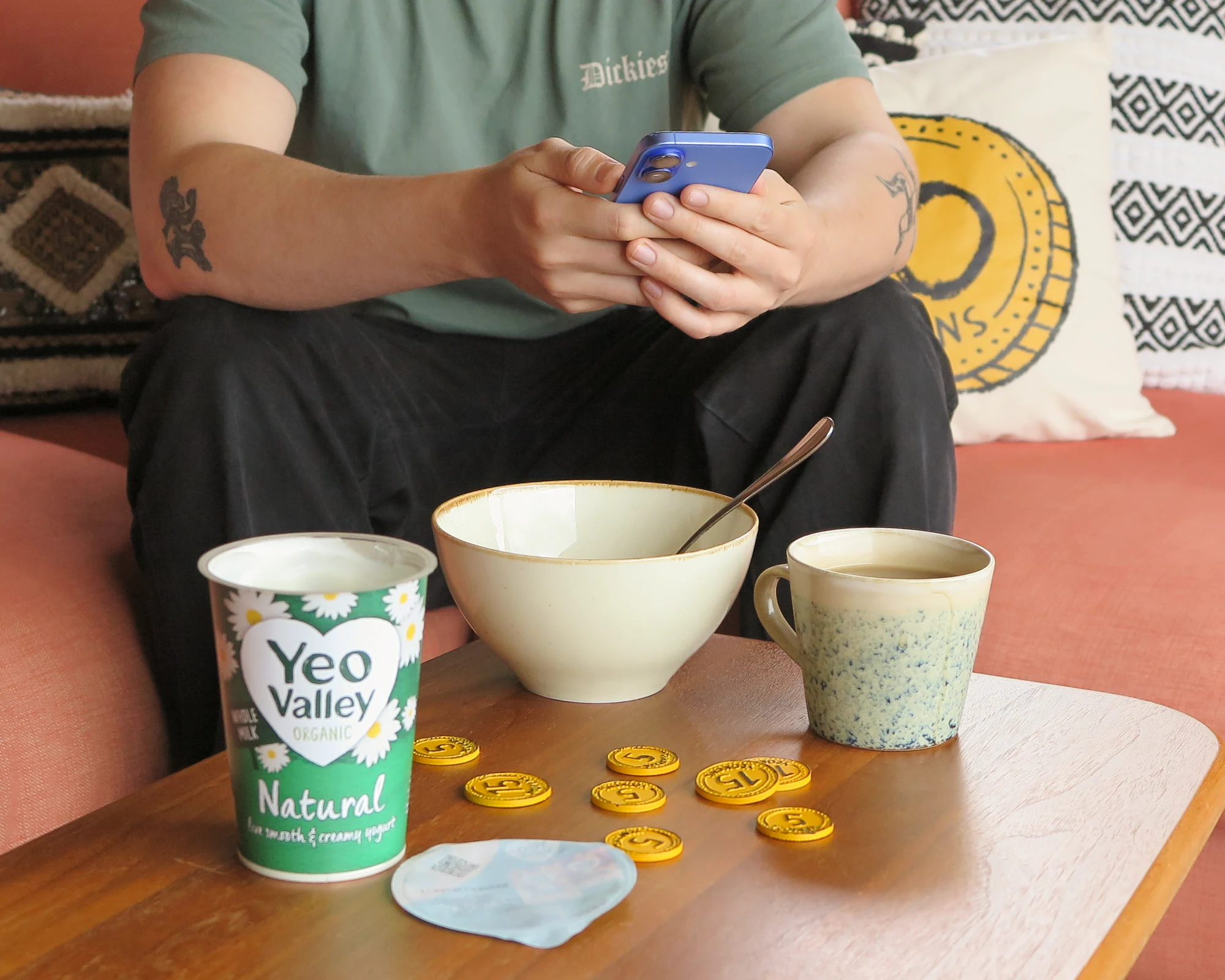
The Yeokens app has officially landed and trust us, it’s about to make collecting rewards a whole lot easier. From exclusive coupons and quicker access to missions, to less scrolling and no more constant log-ins, everything you love about Yeokens is now right at your fingertips.
Whether you’re downloading the app for the very first time or just need a hand getting started, we’ve rounded up all the need-to-know information, handy how-to’s and answers to your most asked questions in one place.
Looking for help with the Yeokens app? From signing in to activating missions, here’s everything you need to know to get the most out of your Yeokens experience.
Where can I download the app?
Why should I download the app?
Because Yeokens just got a whole lot easier (and a little bit more rewarding, too).
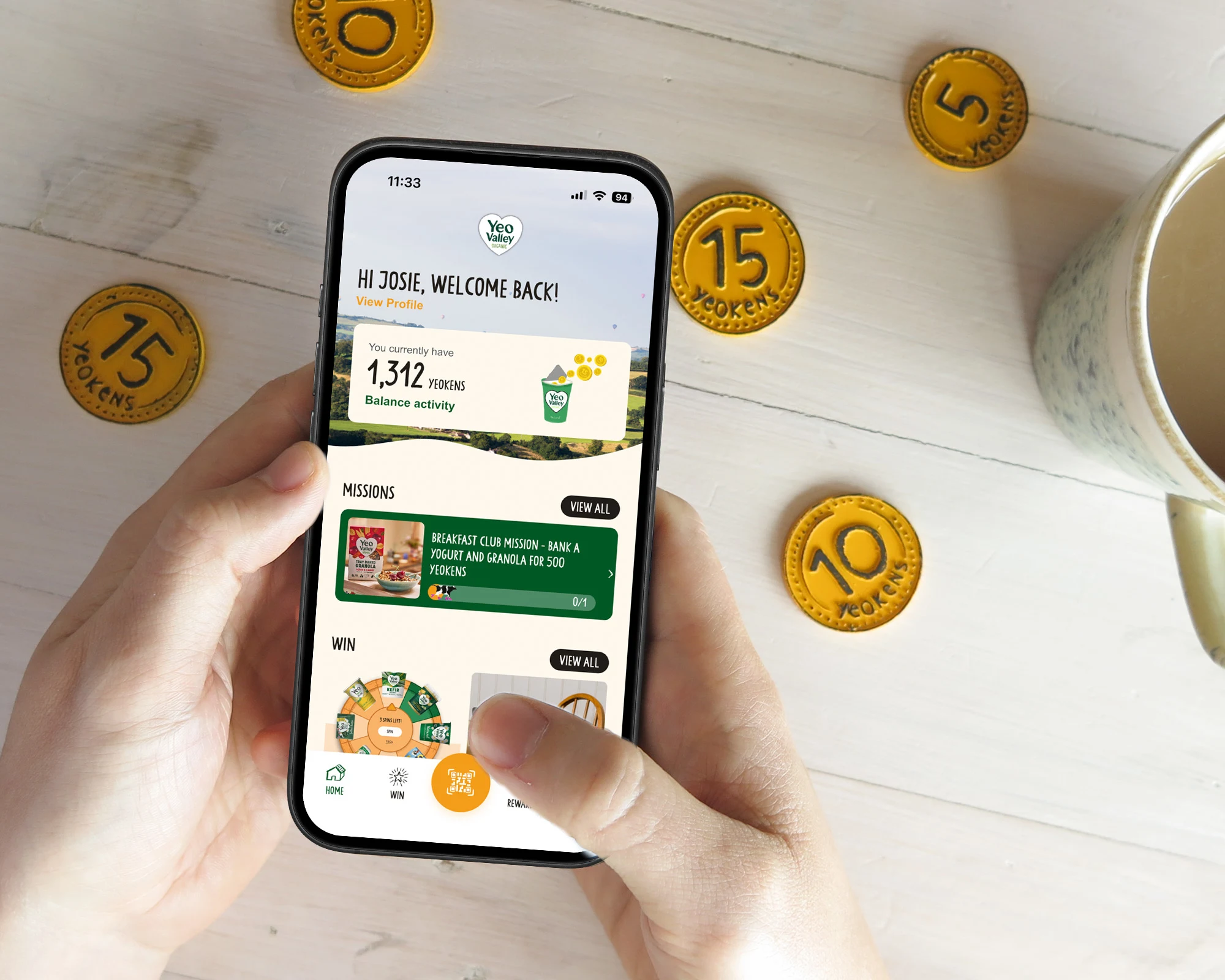
We’ve spent the last year building the Yeokens app to make your experience quicker, smoother and packed with even more perks. Think less logging in, less endless scrolling and more of the good stuff right at your fingertips.
The app also unlocks exclusive features you won’t find on desktop, including in-store coupons for Yeo Valley Organic products. Complete missions and collect rewards directly from your phone when you’re ready to shop.
Whether you’re collecting Yeokens on the go, checking out the latest missions or grabbing yourself a tasty little discount in-store, the app makes it faster and easier to enjoy everything Yeo.
Why am I getting an “Oops! Something went wrong” message when trying to sign up/in?
If you’re seeing an “Oops! Something went wrong” message while signing up to the Yeokens app, it’s likely because your password isn’t strong enough.
We recommend using three random words with a dash between them, for example:
cow-book-plane
grass-space-fancy
This helps keep your account secure while making your password easier to remember.
What will happen to the Yeokens website now the app has launched?
The Yeokens website isn’t going anywhere. You can still use the website exactly as you always have, with all the same Yeokens fun still available.
The app simply offers a quicker and smoother experience, with some extra features that aren’t available on desktop, thanks to improved app functionality and a more streamlined user journey.
What should I do if I don’t have a smartphone?
No smartphone? No problem.
You can continue using the Yeokens website on your desktop as usual and still enjoy collecting Yeokens and taking part in missions.
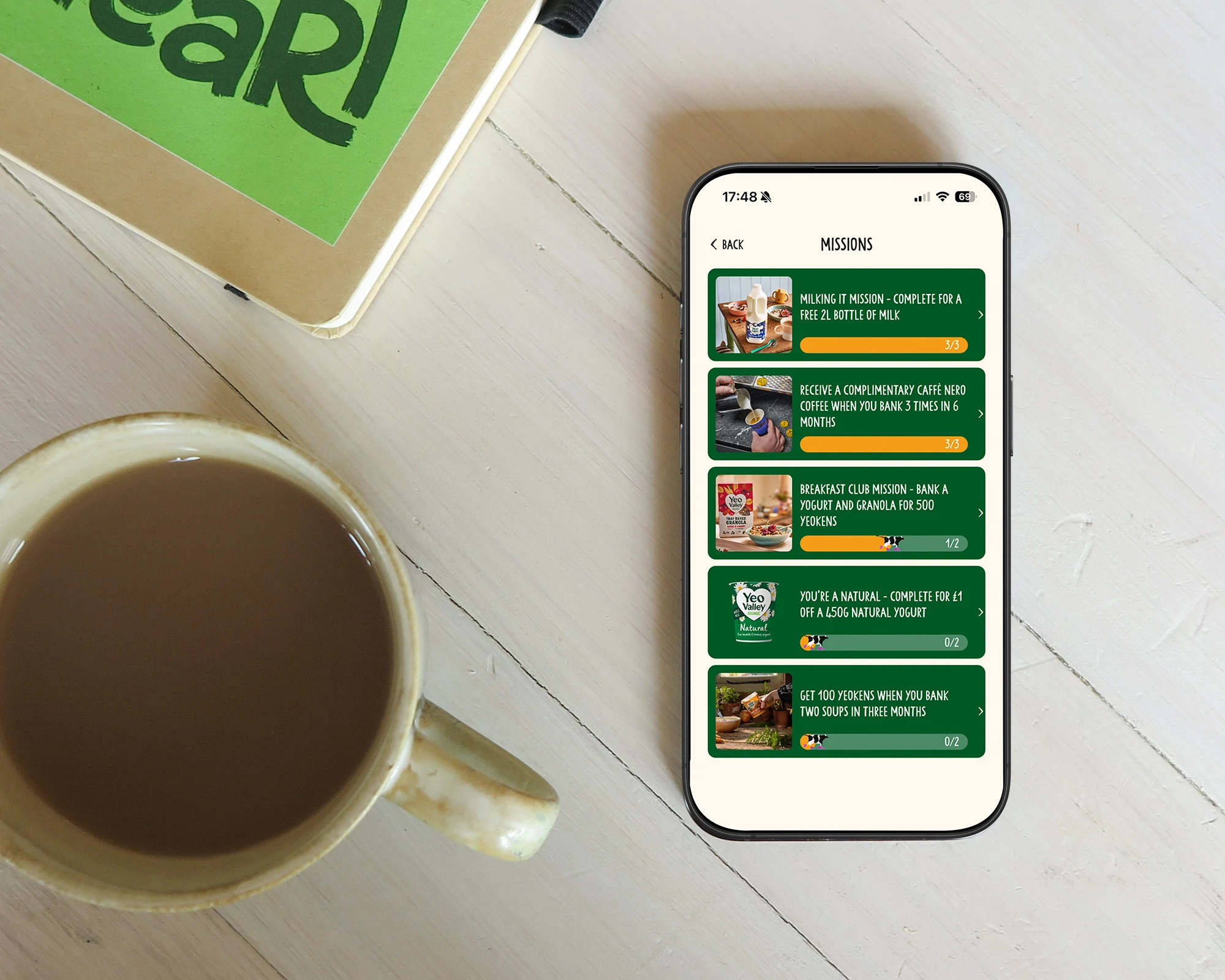
How do I use a Yeo Valley voucher in the app?
Here is how to claim your voucher:
Open the Yeokens app
Tap the Rewards icon at the bottom of the screen
Head to the “Your Vouchers” section
Click “View all” to see your available vouchers
Select the voucher you want to use
Tap “Activate” to reveal your barcode
Scan the barcode at the till
Make sure you only activate your voucher when you’re ready to pay, as activated vouchers are only valid for 20 minutes.
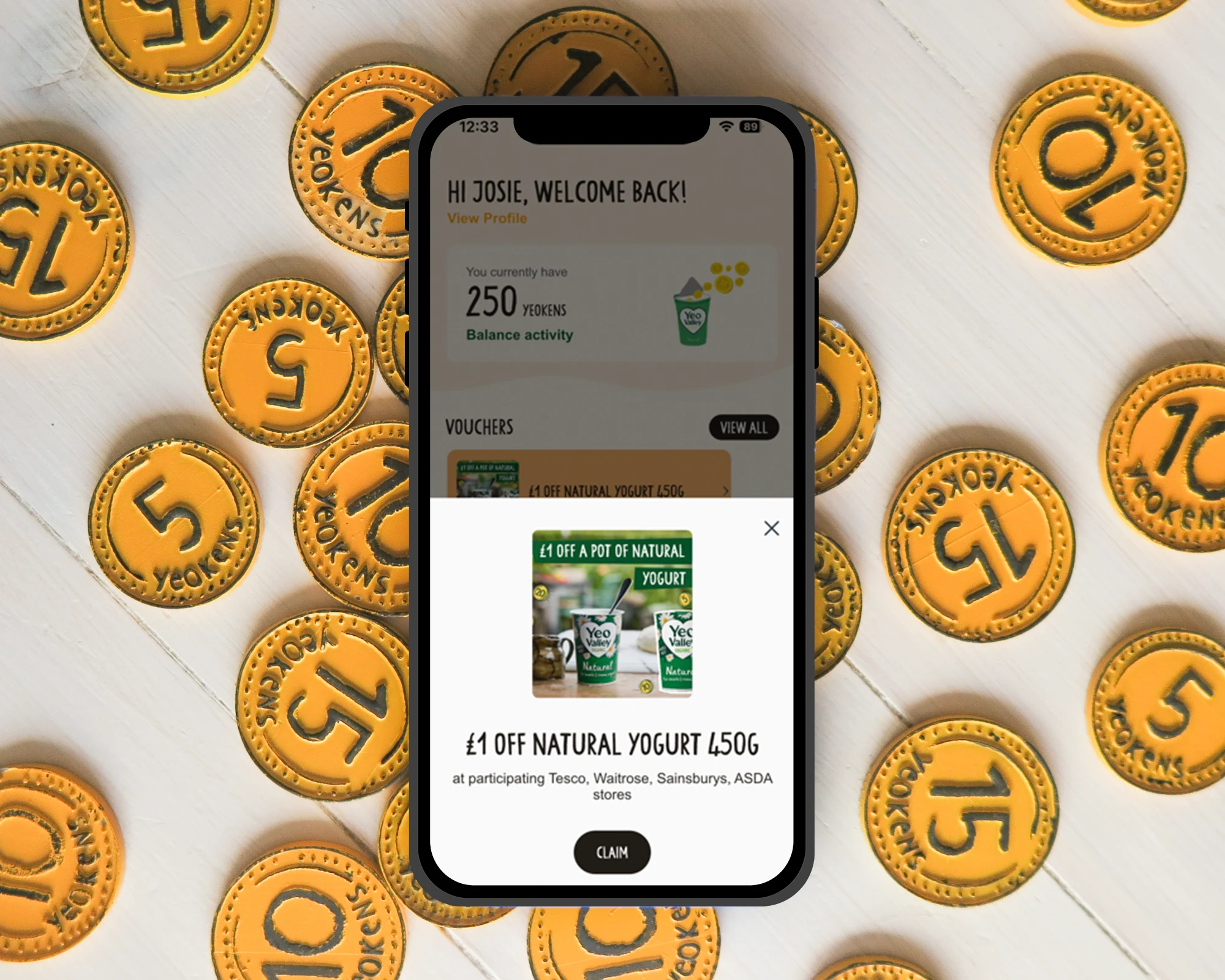
How do I find more information about my Yeo Valley voucher?
If you want to check the details of your voucher, simply open the coupon in the “My Vouchers” section of the app.
From there, you’ll be able to:
See when your voucher expires
Check which retailers accept the voucher
Find out which products are included in the offer